
Connect to the IoT Space
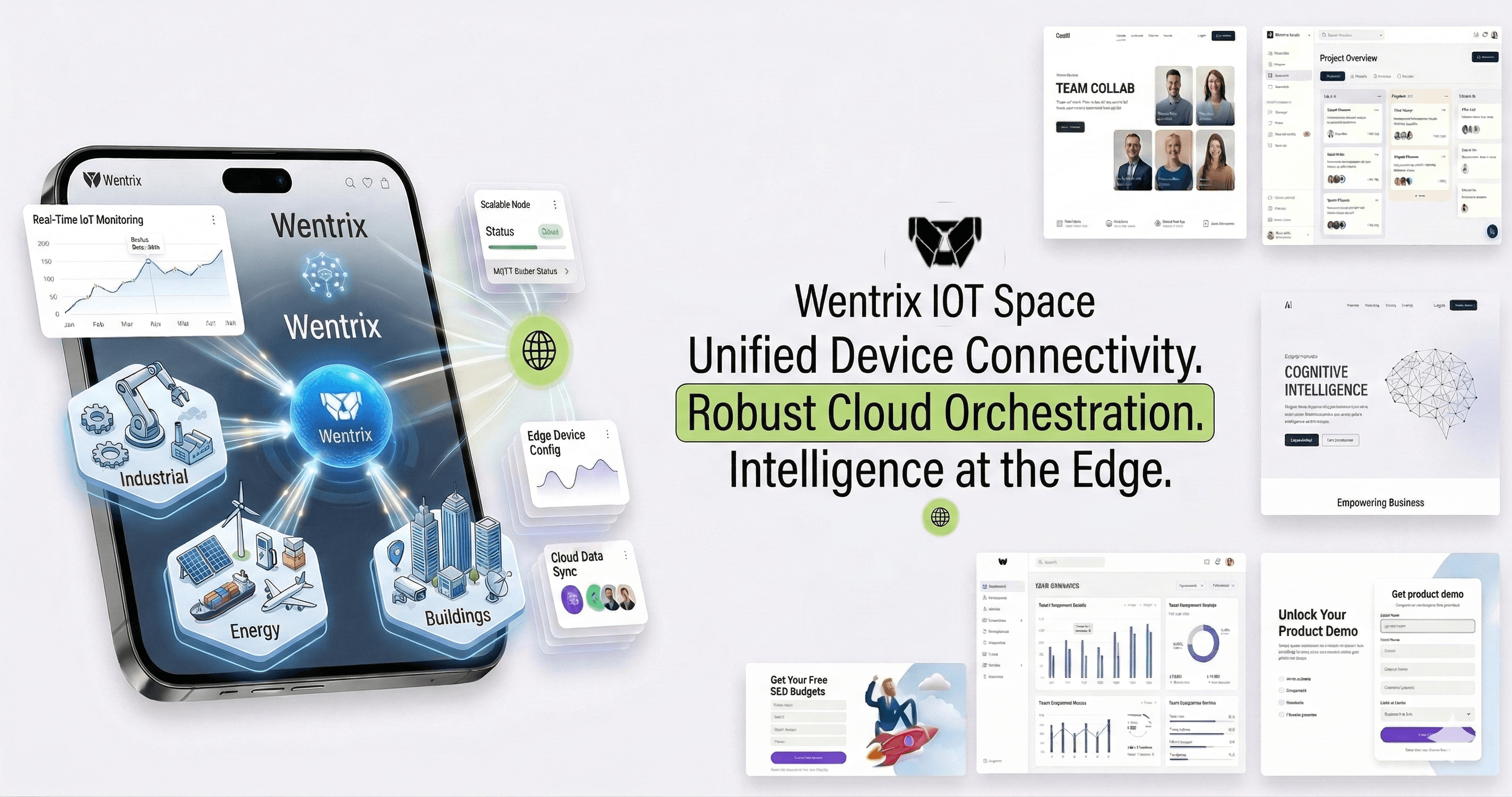
Connectivity Ready
Our platform uses industry-standard protocols to ensure secure and reliable communication between your devices and our cloud.
Ready to integrate? Use our secure protocols to connect your smart infrastructure to the Wentrix IoT Space ecosystem.
Device Authentication
To connect a device, you'll need a device-specific `AccessToken` generated from your Wentrix IoT Dashboard. All communications must be encrypted using TLS 1.2 or higher.
Node.js MQTT Implementation
const mqtt = require('mqtt');

const client = mqtt.connect('mqtts://iot.wentrix.com', {
  port: 8883,
  username: 'DEVICE_ID',
  password: 'YOUR_ACCESS_TOKEN',
  protocol: 'mqtts'
});

client.on('connect', () => {
  console.log('Connected to Wentrix IoT Space');

  // Publish telemetry
  client.publish('telemetry', JSON.stringify({
    temperature: 24.5,
    humidity: 42,
    timestamp: Date.now()
  }));
});
Python HTTP API Implementation
import requests
import json

url = "https://api.wentrix.com/v1/telemetry"
headers = {
    "Authorization": "Bearer YOUR_ACCESS_TOKEN",
    "Content-Type": "application/json"
}

payload = {
    "deviceId": "ESP32_OFFICE_01",
    "metrics": {
        "energy_consumption": 12.4,
        "status": "active"
    }
}

response = requests.post(url, headers=headers, data=json.dumps(payload))
print(f"Status Code: {response.status_code}")
OCPP for EV Chargers
Wentrix IoT Space natively supports OCPP 1.6 and 2.0.1. Simply point your charger to our Central System URL and use your unique client certificate for authentication.
WebSocket Endpoint
wss://ocpp.wentrix.com/{{chargePointId}}
Get Your Access Token
We are currently in private beta. Apply for early access to get your credentials and start building with Wentrix IoT Space.
Join the Waiting ListDocumentation
Need Assistance?
Our solutions engineers are available to help you with custom integrations and large-scale IoT deployments.
Contact Support